
If it looks like your Tenant Sample Screening is still "pending," it usually means you registered your account on the screening site, but didn't complete your 5-step application process.
To Complete This:
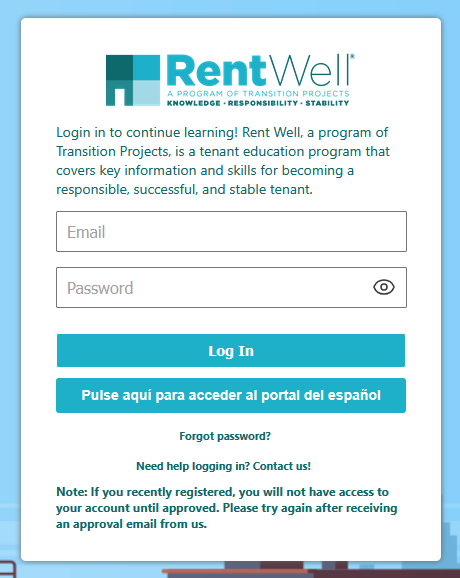
- Please log in to your student portal,
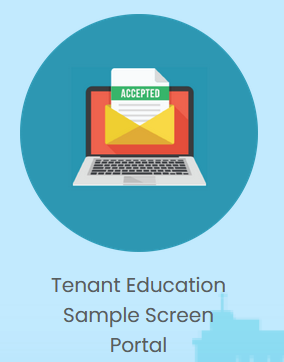
- Scroll to the bottom of the page and click on the ‘’Tenant Education Sample Screen Portal” icon,
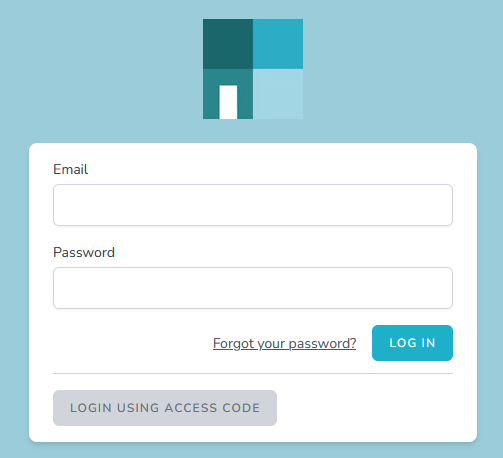
- Log in to the Tenant Education Sample Screen Portal with your email and password.
- Click on Start Tenant Sample Report

- Go through the 5-Steps of the Application and make sure it is complete. Quite often, it’s just the electronic signature that has been missed in Step 4, or not clicking submit after Step 5.