
Our eCourse Sections are designed to be taken chronologically. The Progress Map shows completed Sections in green, Sections in Progress in yellow, and upcoming Sections in gray. Houses with grey icons are locked until you complete the previous Section.
If you see your following Section locked on the Progress Map as shown below, it means this Section has been republished, causing a lock on your Section.
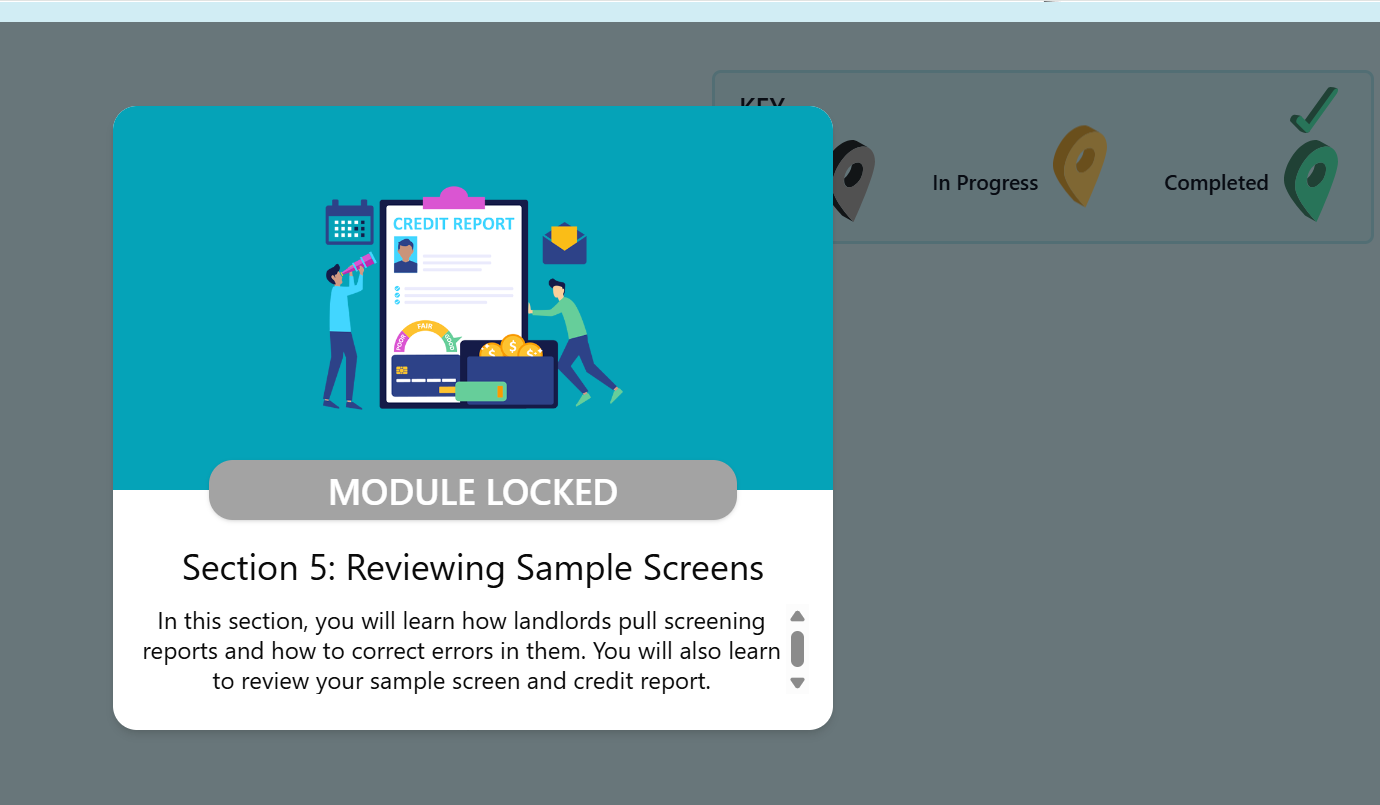
3 days before a new version of a Section is published, we email to notify the students who have that Section in progress. This email informs students that they have to finish this Section in 3 days or their progress will be impacted.
If you were still not able to finish the Section, you should log out of your Account, clear your browser cache, and log back in to continue. This should reset your Progress Map, and you will be able to see your Section unlocked. If none of the above work out, you can reach out to Rent Well Support.